Blogs

Read the latest telecom industry blogs.

Static IP vs Dynamic IP

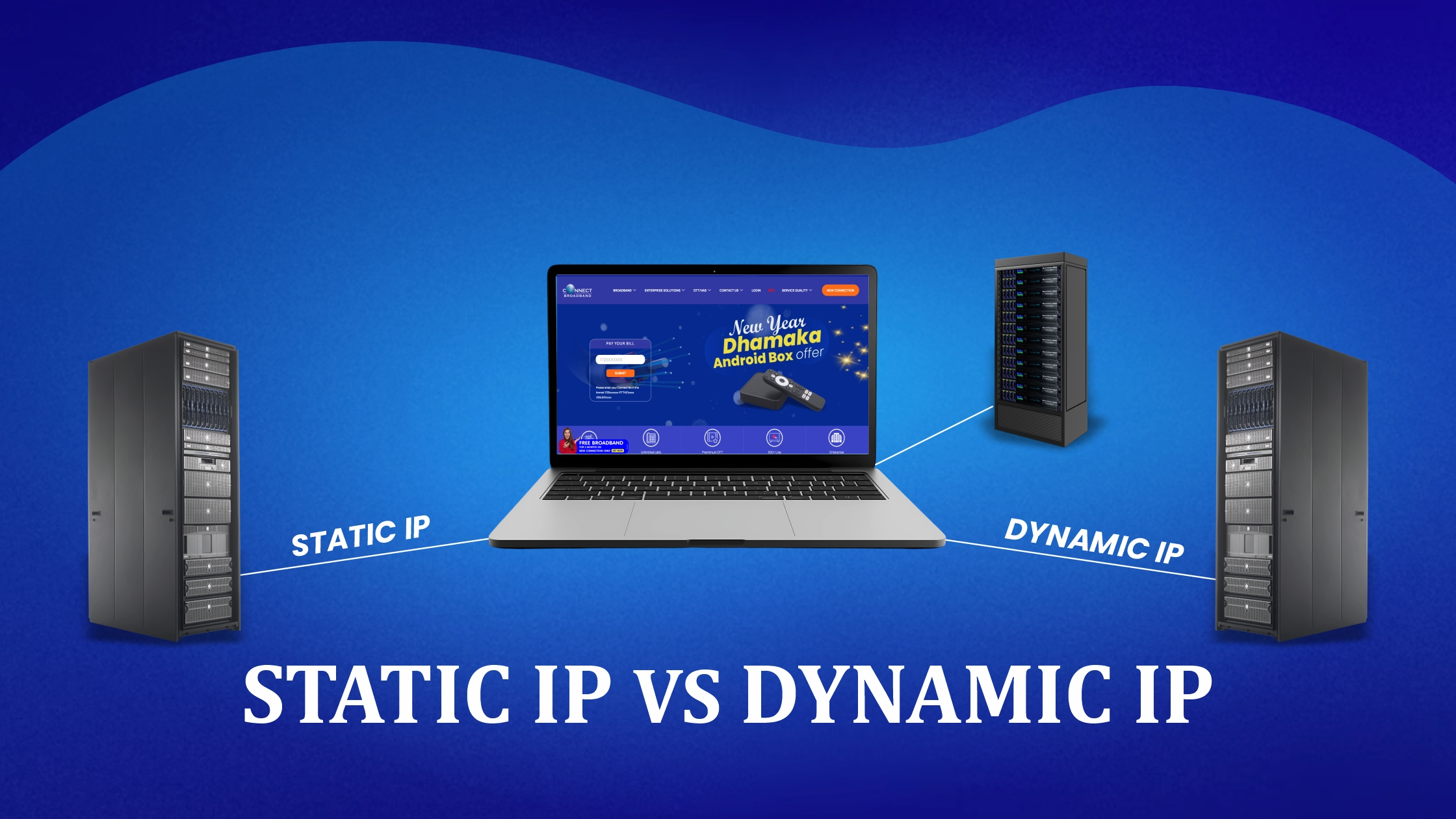
What Is a Static IP vs Dynamic IP? A Complete Comparison Guide

What Is a Static IP vs Dynamic IP? A Complete Comparison Guide In today’s internet-driven world, IP addresses play a critical role in how devices communicate online. Whether you’re running a business server, working remotely, gaming, or simply browsing the web, understanding the difference between a Static IP vs Dynamic IP can help you make smarter internet decisions. This guide explains what static and dynamic IPs are, how they work, their advantages and disadvantages, and which one is best for different use cases – all in simple, practical terms. What Is an IP Address? An IP address (Internet Protocol address) is a unique numerical identifier assigned to every device connected to the Internet. It allows data to be sent and

Hybrid Work Era (1)

Hybrid Work Era: Choosing the Right Internet Setup for Productivity

Hybrid Work Era: Choosing the Right Internet Setup for Productivity The hybrid work model has quickly become the new normal, blending remote work with in-office collaboration. While this flexibility boosts work–life balance, it also places a heavy demand on one critical factor: a reliable internet setup. In the hybrid work era, productivity depends not just on skills or tools, but on how stable, fast, and secure your internet connection is. Whether you’re working from home full-time, a few days a week, or managing a hybrid team, choosing the right internet setup can make or break your efficiency. This guide explains how to build the ideal internet environment for seamless hybrid work. Understanding the Internet Needs of Hybrid Work Hybrid work

Blog Banner - Wifi

How to Detect if Someone Is Stealing Your WiFi at Home

How to Detect if Someone Is Stealing Your WiFi Is your home WiFi suddenly slow? Does the internet feel laggy even when only one or two people are using it? If yes, there’s a chance of WiFi theft, where someone nearby may be secretly connected to your WiFi. WiFi theft is more common in Indian homes, especially in apartments, PGs, floors, and busy neighborhoods. The good news? You don’t need technical knowledge to find out if someone is stealing your WiFi—just follow this simple guide. If you’re using a reliable home broadband connection and still facing speed issues, WiFi theft could be the hidden reason. In this blog, we’ll explain how to detect WiFi theft, signs to look for, how

Private 5g Network (2)

Private 5G Networks: The Next Big Thing for Enterprises

Private 5G Networks: The Next Big Thing for Enterprises As digital transformation accelerates, enterprises are increasingly demanding faster, more secure, and highly reliable networks. Traditional WiFi and public 5G often fall short in mission-critical environments. This is where Private 5G Networks emerge as a game-changing solution. Offering unprecedented speed, ultra-low latency, enhanced security, and full control, private 5G is quickly becoming a strategic asset for modern businesses. The rise of automation, IoT-connected operations, and cloud-based systems has further increased the demand for networks that can handle massive device loads without compromising performance. Private 5G answers this challenge with unmatched efficiency and dependability. What Is a Private 5G Network? A Private 5G Network is a localized cellular network deployed exclusively for

Why Cloud Gaming Needs High-Speed Internet

Why Cloud Gaming Needs High-Speed Internet

Why Cloud Gaming Needs High-Speed Internet Cloud gaming places far heavier demands on your connection than typical online activities. Unlike watching video, gaming is interactive—meaning your inputs must travel instantly to the server and back. Even a 50–100ms delay can ruin the experience. This is why high-speed internet isn’t optional; it’s the backbone of any smooth cloud gaming session. Real-Time Streaming Requirements Cloud gaming streams visually intensive content at rapid refresh rates—60fps, 120fps, and sometimes beyond. That means massive amounts of data need to move between you and the server. The higher the resolution, the more bandwidth required: 720p streaming: 5–10 Mbps 1080p streaming: 15–25 Mbps 4K streaming: 35–50+ Mbps Without enough bandwidth, the stream will downgrade quality or freeze

How AR & VR Depend on Ultra-Low Latency Internet

How AR & VR Depend on Ultra-Low Latency Internet

The Millisecond Revolution: How AR & VR Depend on Ultra-Low Latency Internet The worlds of Augmented Reality (AR) and Virtual Reality (VR) promise experiences that blend the digital with the physical, from immersive gaming to critical remote surgery. However, the one indispensable ingredient for this promise is something you might not even notice until it’s missing: ultra-low latency internet. Without a connection that can deliver data almost instantaneously, the entire illusion—and the utility—of AR and VR collapses. In the next few minutes, you’ll learn exactly why latency is the silent killer of immersive experiences, the technical solutions powering the low-latency revolution, and how this dependency is reshaping the future of connectivity. What is Ultra-Low Latency Internet? To understand the core

Internet Throttling Causes & Fixes for a Faster Connection

Internet Throttling: Causes & Fixes for a Faster Online Experience

Internet Throttling: Causes & Fixes for a Faster Connection Experiencing inexplicable buffering, lagging video games, or painfully slow downloads despite paying for a high-speed plan? You might be a victim of Internet Throttling. This frustrating practice by your Internet Service Provider (ISP) is surprisingly common and can severely limit your online experience. In this comprehensive guide, we’ll dive deep into Internet Throttling: what it is, why it happens, how to check if your connection is being restricted, and the most effective ways to bypass it for a consistently faster, more reliable connection. Don’t let your ISP slow you down—take back control of your bandwidth! What is Internet Throttling? Internet Throttling (also known as bandwidth throttling or data throttling) is the

weather affects internet connection

How Weather Affects Your Internet Connection

How Weather Affects Your Internet Connection Ever notice your internet slowing down during a thunderstorm or your Wi-Fi acting up when it rains? That’s because the weather can directly impact your internet connection. From heavy rains to scorching heat, different weather conditions affect various types of internet fiber, DSL, satellite, and wireless — in unique ways. In this article, we’ll explain how the weather affects your internet, why it happens, and what you can do to stay connected no matter the forecast. What Does It Mean When the Weather Affects Internet Connection? When we say weather affects your internet connection, it means that changes in the atmosphere, such as rain, humidity, or wind, interfere with the transmission of internet signals.

You might also like

2.4 GHz vs 5 GHz WiFi: Which Band Should You Use?

WiFi 6 vs WiFi 5: Is Upgrading Your Router Worth It?

Why Is My WiFi Slow at Night? Peak-Hour Congestion Explained