
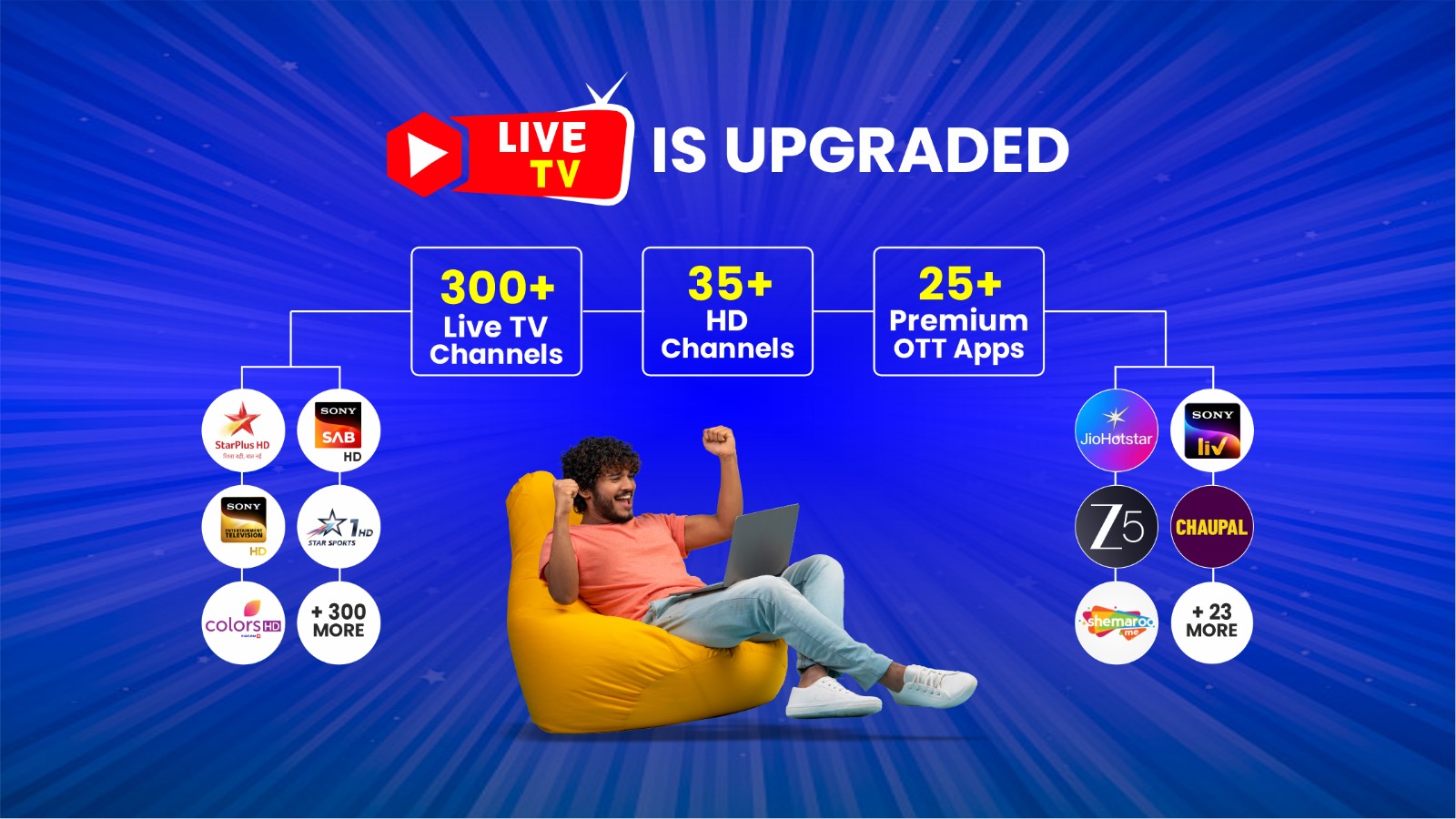
Live TV Plans
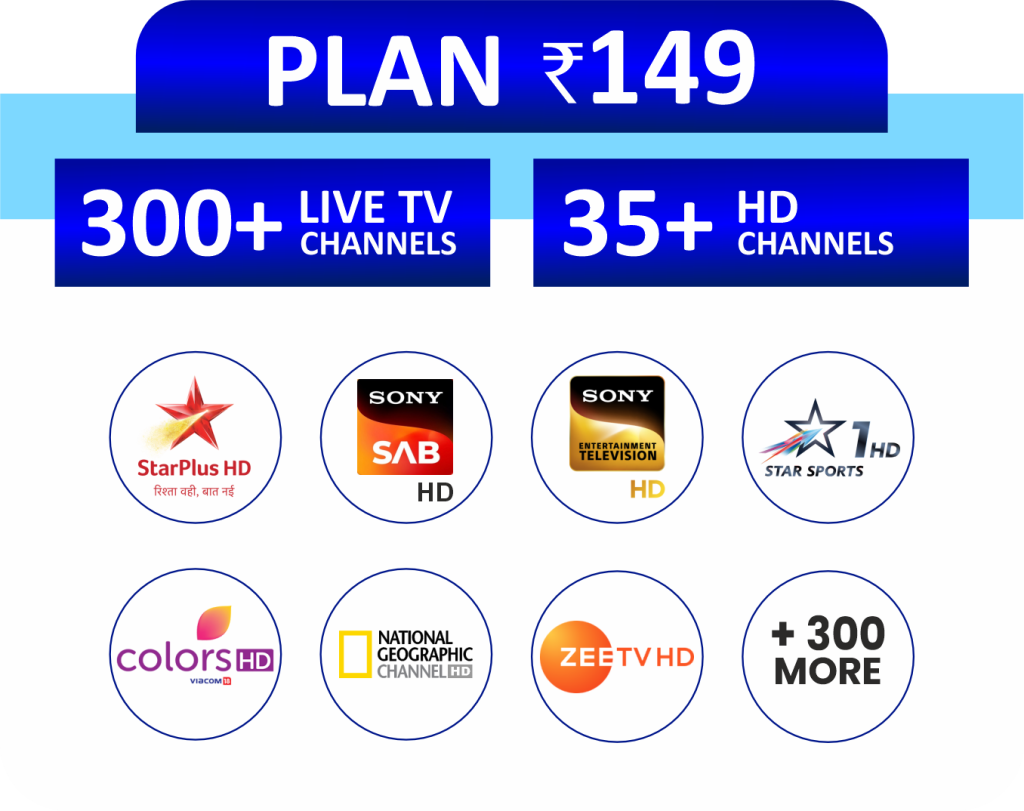
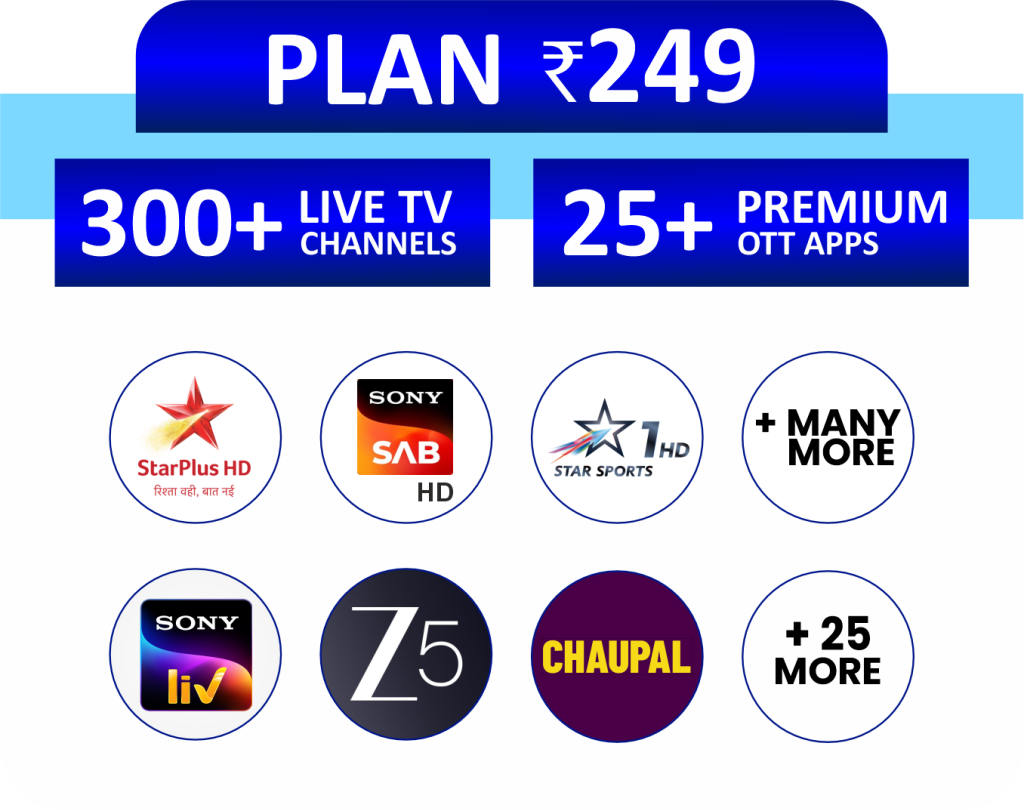
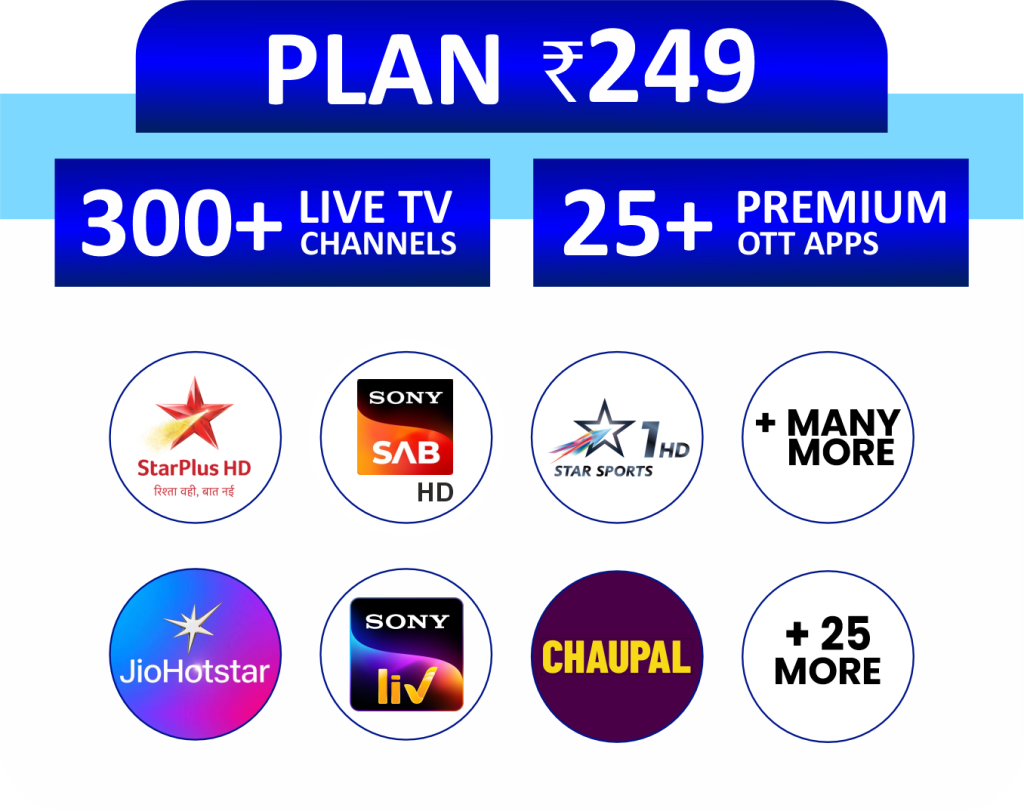
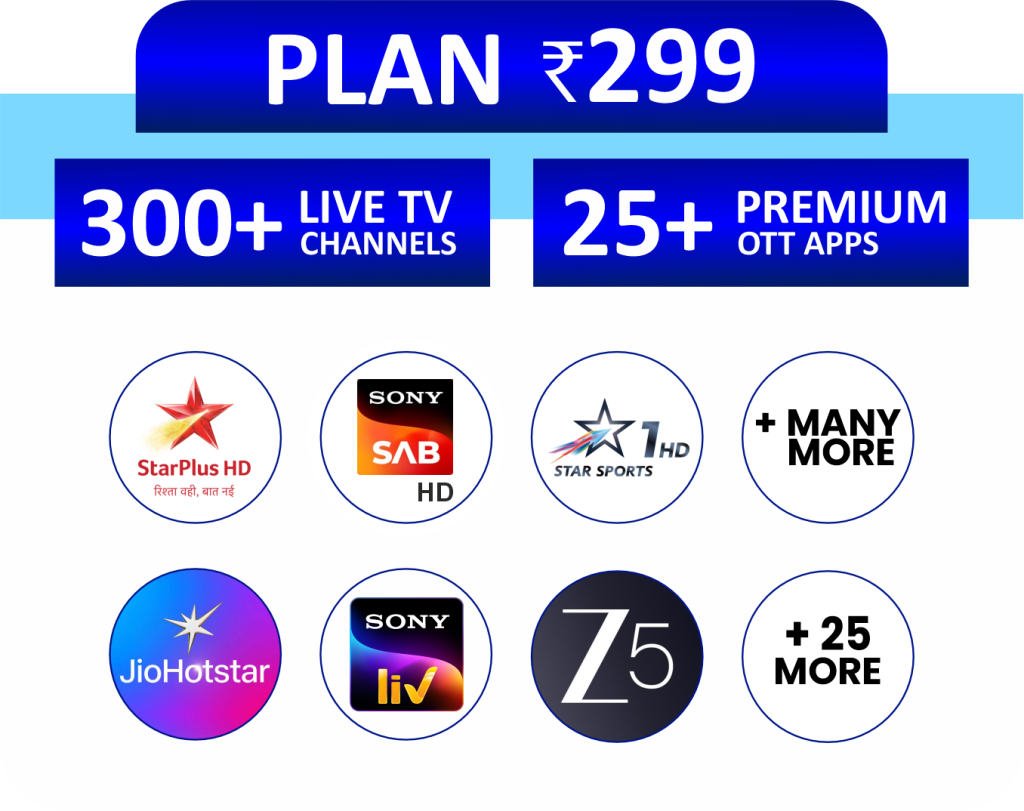
GST Charges extra as applicable
Our Live TV Plans bring everything you love to watch into one convenient subscription. Enjoy 300+ live TV channels, popular HD channels, and 25+ premium OTT apps all in one place. From live sports and breaking news to movies, shows, and kids’ content, there’s something for everyone in the family. There’s no need to manage multiple subscriptions or apps. Just choose your plan, connect, and start watching instantly with smooth, reliable streaming on your smart TV.
How to Activate the Smart Tv Pack
- Download the Connect Broadband App from the Google Play Store on your mobile phone
- Log in to the Connect Broadband App with your registered mobile number.
- Click on “Subscribe IPTV+OTT Pack”.
- Select the Smart Tv Pack you want to activate and click on the “Subscribe” button.
- Enter the OTP and you will get an activation pop-up message.
- After the above-mentioned process, download the PlayBoxTV App from the Google Play Store.
- Login with your registered mobile number and go to the Subscribe button shown on the top right corner of the PlayBoxTV app.
- Go to Pioneer Digital Tv and click on the Claim button.
- Now download the Pioneer Digital TV app on your Smart TV / Android Box / Fire TV Stick and log in with the same registered mobile number.
- Enjoy Live Streaming of Tv Channels
Terms & Conditions
- Smart Tv Plans are applicable for FTTH broadband customers only.
- Connect Smart Tv services will work only on Smart TV and not on Mobile phones.
- Connect Smart Tv services will work only on the Connect Broadband network and not on any other operator’s network.
- Connect Smart Tv services can be streamed on one device (Smart TV) only.
- Once the device is registered for the Connect Smart Tv services, the customer cannot use the service on another TV.